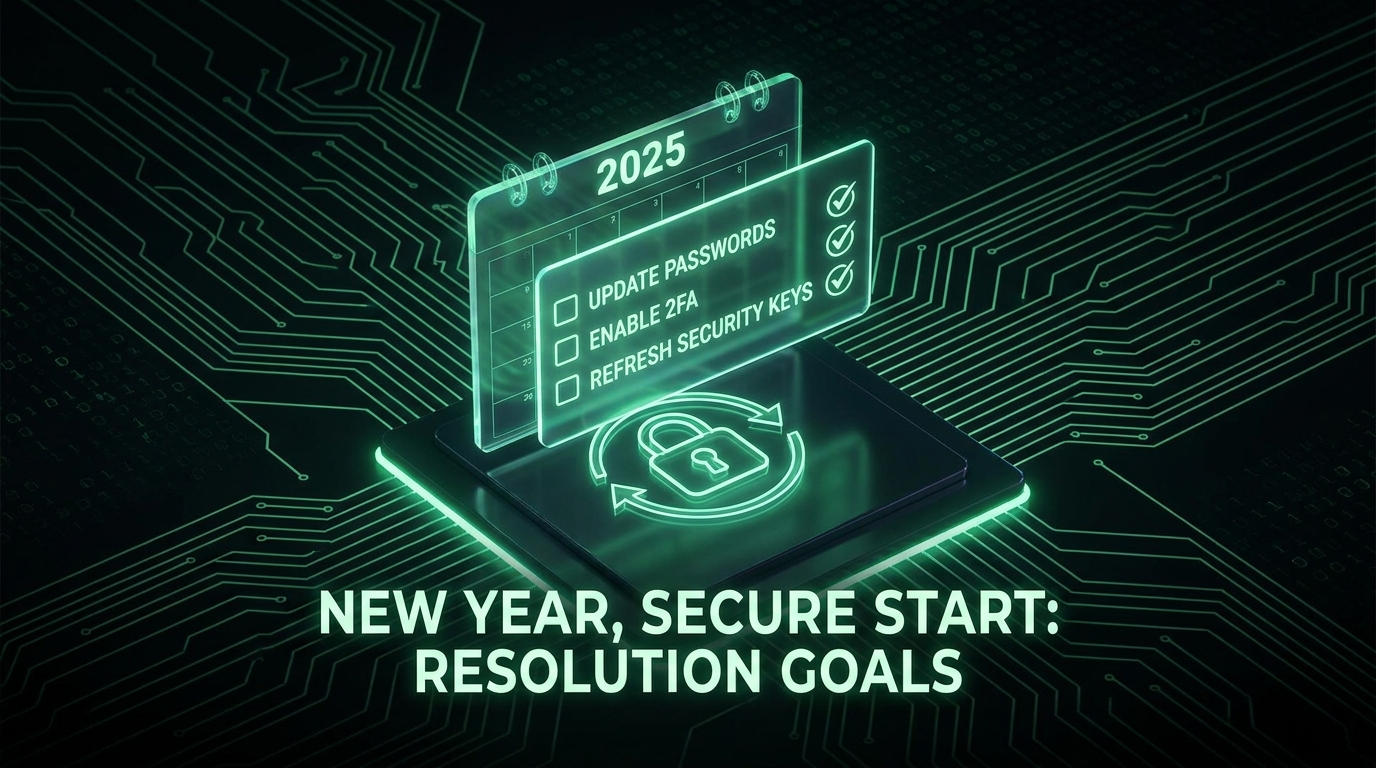
The Best Resolution You'll Actually Keep
Most New Year resolutions fade by February. This one takes a single afternoon, doesn't require willpower for the rest of the year, and genuinely protects your money, identity, and peace of mind. A security tune-up at the year's start is the rare resolution you complete once and benefit from for twelve months. Work through this checklist top to bottom, or cherry-pick the parts you haven't done. Everything links to a fuller guide if you want detail.
Tier 1: The Essentials (Do These First)
- Enable 2FA on your critical accounts. Email first (it's the master key), then banking, then social and shopping. Use an authenticator app rather than SMS (our 2FA guide). This single step blocks the most common attacks.
- Get a password manager and fix reused passwords. Reuse is what turns one breach into many (our credential stuffing explainer). Let the manager flag reused and weak passwords, and rotate those with our generator.
- Check your breach exposure at haveibeenpwned.com and retire any exposed passwords everywhere they live.
- Save your backup codes. For every account with 2FA, make sure you have backup codes stored safely (our storage guide). This prevents the dreaded lockout.
Tier 2: The Upgrades (Worth the Extra Time)
- Set up passkeys where offered. Phishing-proof and convenient, they're the future of login (our passkey guide). Start with the accounts that support them: Google, Microsoft, Apple, and many others.
- Consider a hardware security key for your most important accounts (email, finance, crypto). A small one-time cost for phishing-proof protection (our hardware key guide).
- Move away from SMS 2FA on important accounts, in favor of an app or key, to sidestep SIM swapping. Set a carrier PIN while you're at it.
- Upgrade your master password to a passphrase (our passphrase guide): long, random, and memorable.
Tier 3: The Cleanup (Housekeeping)
- Revoke old app access: review connected apps and OAuth grants, remove what you no longer use (our OAuth guide).
- Log out unfamiliar sessions on your major accounts.
- Update recovery details: confirm your recovery email and phone are current on key accounts (our recovery email guide).
- Fix your security questions: replace guessable answers with random stored strings (our security questions guide).
- Update devices: OS, apps, and browser, and confirm device encryption is on.
- Delete dormant accounts you no longer use, each is a liability holding your data.
You don't have to do all three tiers today. Tier 1 alone, in one afternoon, protects you against the attacks that actually happen. The rest is polish you can add over the following weeks.
Make It a Family Affair
Security is only as strong as the weakest household member. While you're at it:
- Help kids' accounts get 2FA with you holding recovery (our parents' guide).
- Walk older relatives through the basics gently (our seniors' guide).
- Set up a shared family password manager so everyone has unique passwords without the memory burden.
Set One Recurring Habit
The final resolution: do a quick version of this check once more mid-year (our annual checkup guide is a good template). Twenty minutes twice a year keeps you ahead of the accumulating drift, new accounts, new breaches, expired backup codes. Set a calendar reminder now so future-you doesn't forget.
Frequently Asked Questions
If I only do one thing this year, what should it be?
Enable app-based 2FA on your email account. Email is the recovery key to everything else, and protecting it with strong 2FA blocks the most common and damaging attacks. If that's all you manage, you've meaningfully improved your security.
This feels like a lot. Where do I realistically start?
Tier 1, and even within that, just email 2FA plus a password manager. Those two cover the biggest risks. Do them today; add the rest over the coming weeks as small tasks. Perfect security isn't the goal; being significantly harder to attack than you were yesterday is.
Do I need to buy anything?
No, for the essentials. A free password manager (Bitwarden) and free authenticator app cover Tier 1 and much of Tier 2. A hardware security key is the only paid item, and it's optional, recommended for your most critical accounts but not required to be far safer than most people.
How is this different from just changing all my passwords?
Changing all passwords is outdated, ineffective advice (our password day guide explains why). This checklist targets what actually protects you: 2FA, unique passwords for breached/reused cases, passkeys, and cleanup. It's the smart version of the old ritual.
Will this really protect me for the whole year?
The setup (2FA, passkeys, a password manager with unique passwords) keeps working continuously, and the manager flags new problems as they arise. A quick mid-year check catches drift. So yes, an afternoon now, plus one 20-minute review later, genuinely covers the year, which is what makes this the resolution worth keeping.
