2FAFast Browser Extension
Your 2FA codes, always one click away. Free, offline, unlimited accounts.
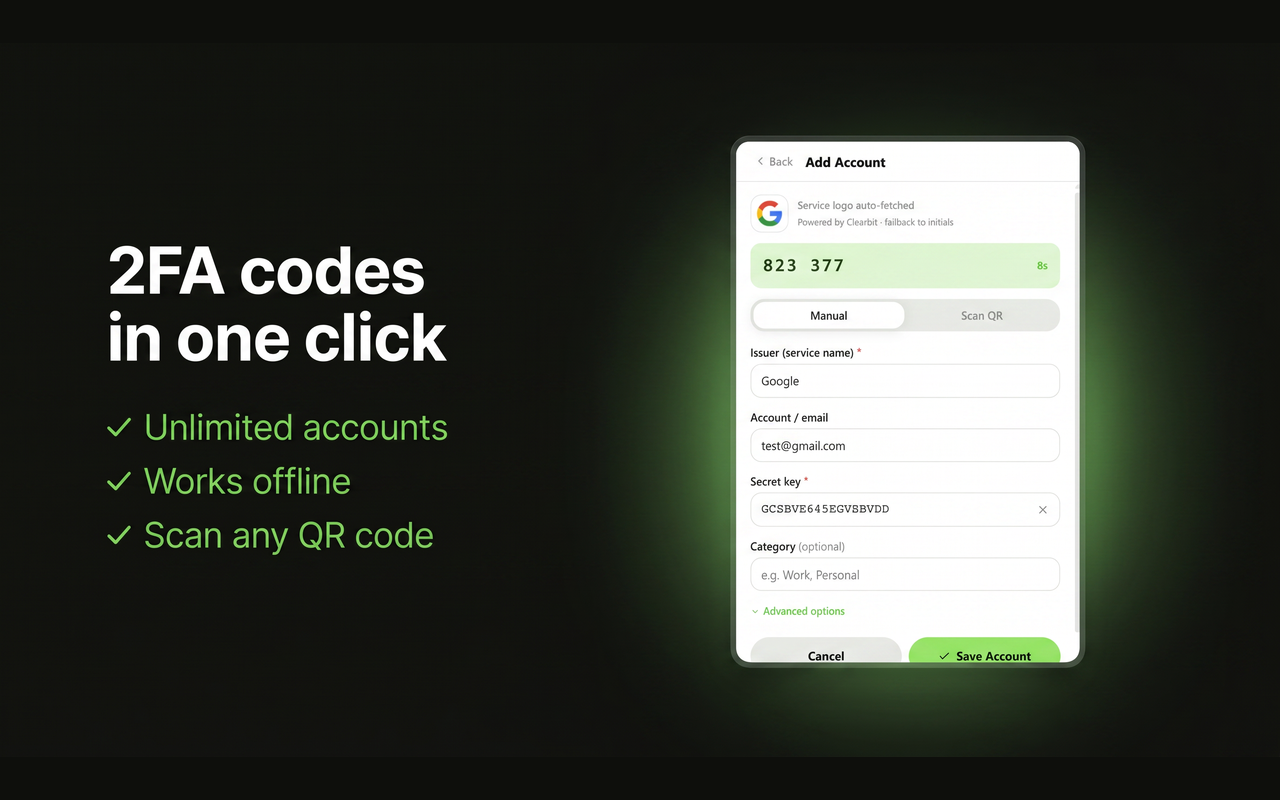
Unlimited accounts
Add as many 2FA accounts as you need. No limits, no subscriptions, no paywalls.
QR export & import
Export to Google Authenticator, Authy, or any TOTP app. Import from any app via QR code.
Screen QR scanner
Snap a region of any web page to scan a QR code, no need to save images manually.
Webcam scanner
Point your camera at a QR code on paper or another screen to add accounts instantly.
100% offline
All TOTP codes are generated locally in your browser. No internet required, no data sent anywhere.
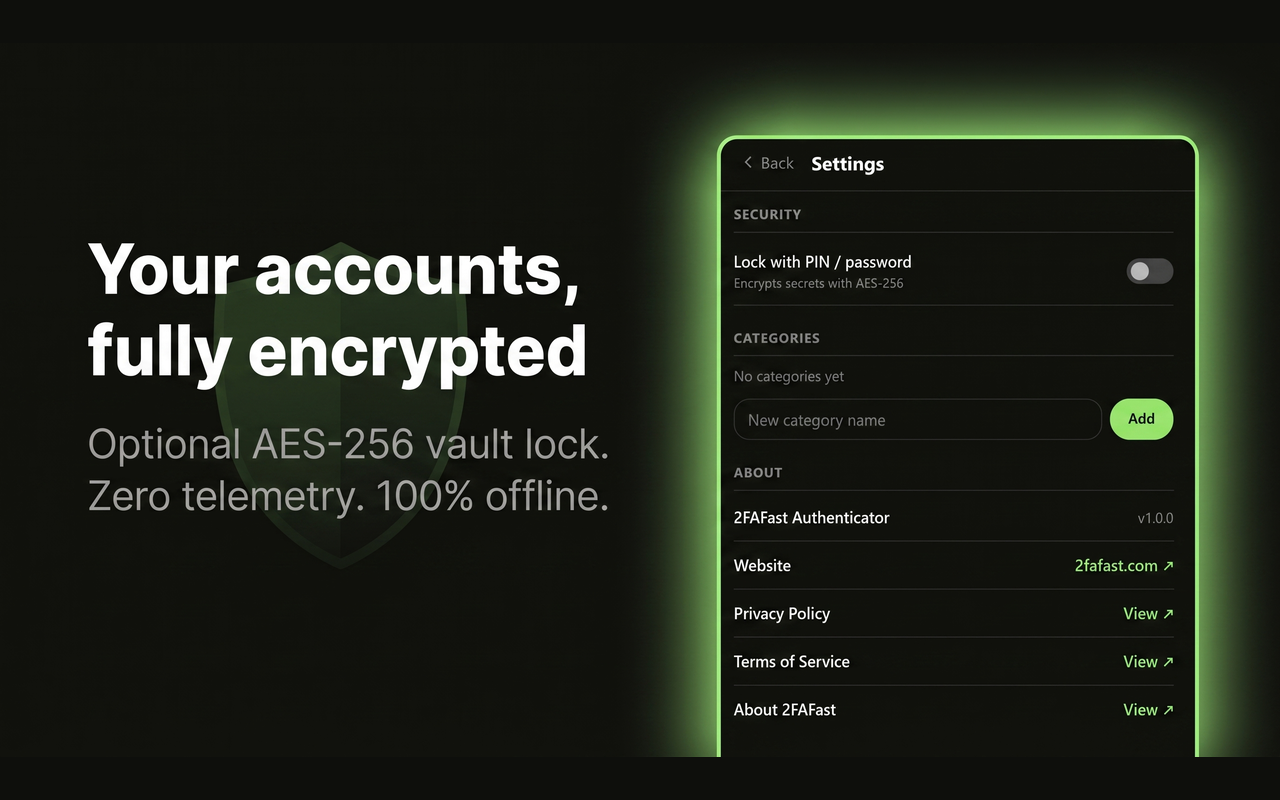
Optional lock
Protect your vault with a PIN or password. Your secrets are encrypted with AES-256.
Clean, fast, distraction-free
Matching the 2FAFast.com design: dark mode, instant copy, service logos, and a countdown ring so you always know how long your code is valid.

Chrome / Edge / Brave
Works on any Chromium-based browser via the Chrome Web Store.
Add to ChromeAvailable now on the Chrome Web Store

Firefox
Available for Firefox via Firefox Add-ons (AMO).
Add to FirefoxAvailable now on Firefox Add-ons