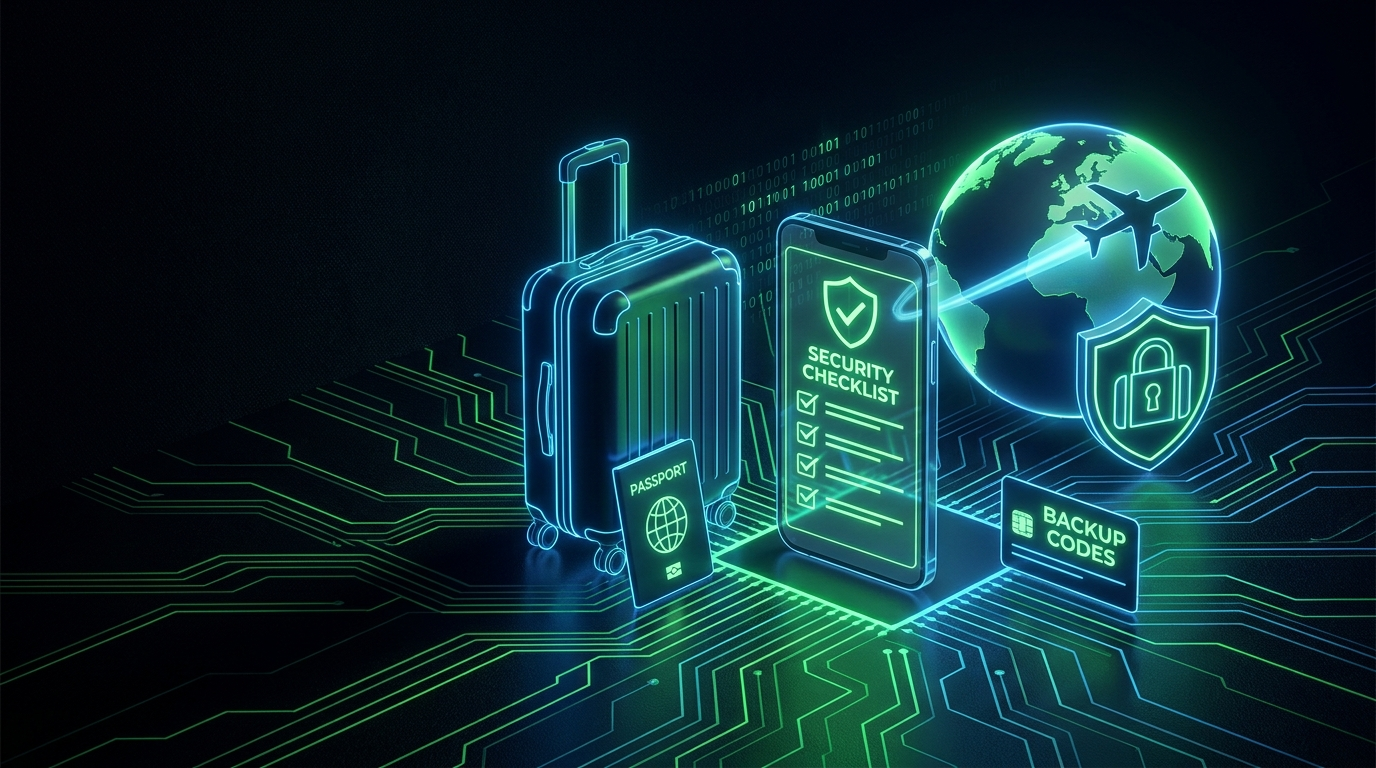
Travel Breaks Assumptions Your Security Relies On
At home, your logins just work: familiar networks, your phone in your pocket, codes arriving normally. Travel breaks all of that. You'll hit unfamiliar WiFi, roaming or no signal, higher theft risk, border device checks, and the special misery of a 2FA lockout thousands of miles from your backup codes. A little preparation before you fly prevents the common disasters. Run this checklist a few days before departure, not at the gate.
Before You Go
1. Solve the 2FA-Abroad Problem
This is the big one. SMS codes may not arrive on roaming or a foreign SIM, potentially locking you out of your own accounts. Prepare:
- Switch critical accounts to authenticator-app 2FA before you leave: app codes work offline, anywhere, no signal needed (our SMS vs app comparison). Time-sync note: keep automatic date/time on so codes stay valid across time zones (our time sync guide).
- Print backup codes for your most important accounts and carry them separately from your phone (our storage guide). If your phone is lost or stolen abroad, these are your lifeline.
- Consider a travel-independent factor: a small hardware key on your keychain works everywhere with no signal or clock dependency.
2. Prepare Your Devices
- Update everything (OS, apps): don't hunt for updates on sketchy foreign WiFi.
- Enable full-disk encryption (on by default on modern phones; BitLocker/FileVault on laptops) so a stolen device isn't a data breach.
- Set a strong device passcode, not a 4-digit PIN, and know your phone's quick-lockdown gesture (which forces the passcode instead of biometrics), useful at borders (our biometrics guide covers this).
- Enable Find My / remote wipe so a lost device can be located or erased.
3. Back Up and Reduce
- Back up your phone before leaving; a lost phone abroad is far less painful with a recent backup.
- Consider a "travel-light" device or profile: the fewer sensitive accounts and files on the device you carry, the less a theft or border search exposes.
Handling Borders and Checks
Border officers in some countries can ask to inspect devices. Your approach depends on your situation and risk tolerance, but general principles:
- Know that biometric unlock can sometimes be compelled more easily than a passcode; the lockdown gesture forces passcode-only, which you can decide to use.
- Powering the device fully off before a border means it boots to a passcode-required state.
- Traveling with minimal sensitive data reduces what any inspection reveals. For high-risk travel, some people carry a clean device and access data from the cloud after arrival.
The nightmare travel scenario is simple: phone stolen in a foreign city, SMS codes going to the stolen phone, no backup codes, and you locked out of your own email in a country where you barely speak the language. Ten minutes of prep at home prevents all of it.
While Traveling
- Public WiFi: stick to HTTPS, verify network names, and prefer your phone's hotspot for banking (our public WiFi guide separates real risks from myths). Watch for fake "hotel WiFi login" pages harvesting credentials.
- Set a carrier PIN before you go, so your number can't be easily SIM-swapped while you're distracted and in a different time zone.
- Watch for shoulder-surfing at ATMs and while entering codes in crowded places.
- Log out of accounts on any shared or hotel computers, and change passwords afterward if you had to use one.
The 10-Minute Pre-Flight Version
- Move email and banking to authenticator-app 2FA.
- Print backup codes; pack them separately from your phone.
- Confirm device encryption, a strong passcode, and Find My are on.
- Back up your phone and set a carrier PIN.
Frequently Asked Questions
Will my authenticator app work in another country?
Yes: TOTP codes are generated offline on your device, needing no signal or roaming, just an accurate clock. Keep automatic date and time enabled so time-zone changes don't break codes (they won't if it's automatic). This is exactly why app-based 2FA beats SMS for travel.
What if my phone is stolen abroad?
This is why you prepared: use your printed backup codes to access accounts from another device, remote-wipe the stolen phone (Find My), suspend your SIM with your carrier, and change key passwords. Our lost phone playbook applies, and it's far easier with the prep above done.
Do I need a VPN for travel?
It's useful for privacy on untrusted networks and for accessing home services, but it's not a security cure-all (our honest VPN guide). HTTPS already protects your logins; a reputable VPN adds a privacy layer. Don't rely on it against phishing or theft, which are the bigger travel risks.
Should I bring backup codes on paper if my phone has them?
Yes, on paper, separate from the phone. The whole point of backup codes is the scenario where you don't have your phone, so codes stored only on the phone are useless in that case. A printed card in a different bag is the classic, reliable approach.
Is it safe to do online banking while traveling?
Through the bank's official app over your phone's mobile data or a trusted connection, yes. The risks are fake WiFi networks and lookalike login pages, not the banking itself. Type URLs yourself or use the app, keep 2FA active, and you're fine.
