The Encryption a VPN Actually Provides
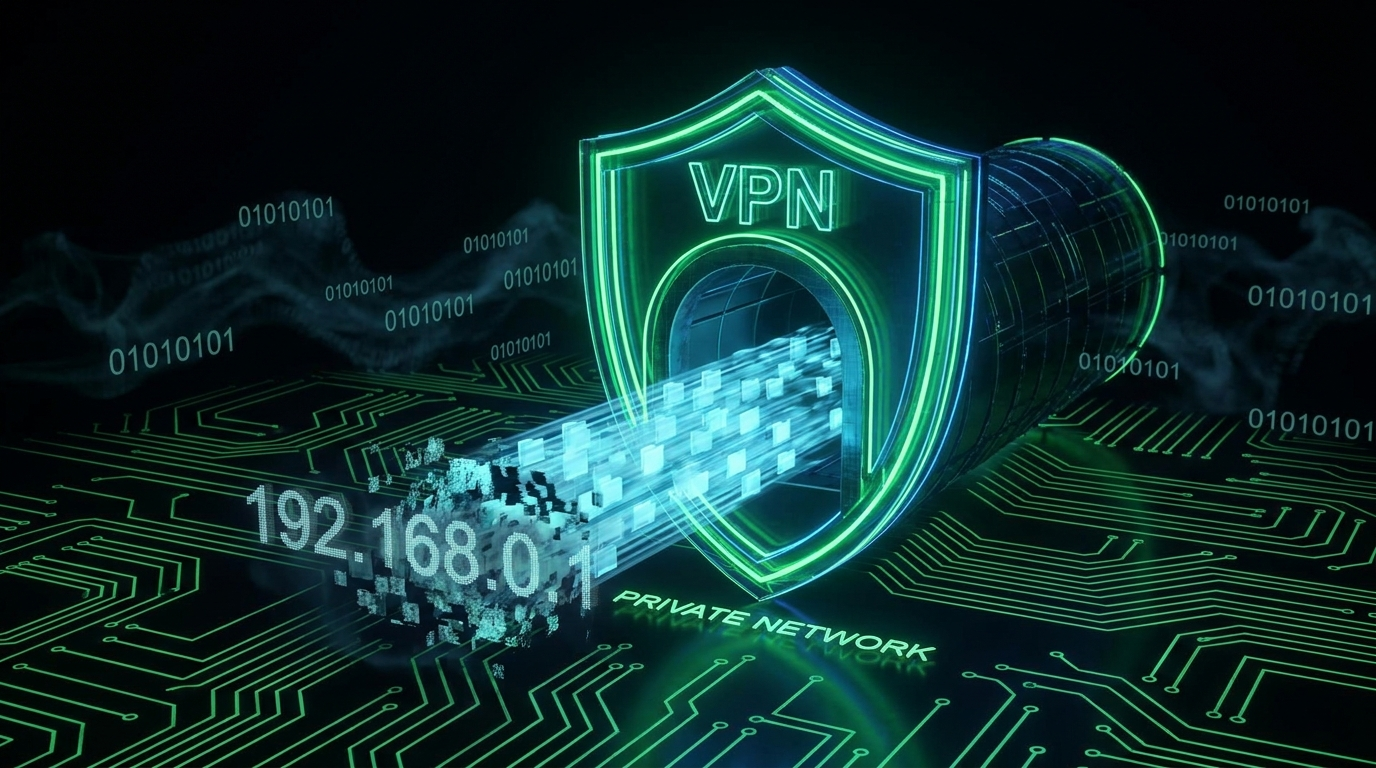
A VPN (Virtual Private Network) creates an encrypted tunnel between your device and a server run by the VPN provider. Everything you send travels through that tunnel first, then continues on to its actual destination from the VPN server's location, using the VPN server's IP address instead of yours. That is the entire mechanism, and it is important to be precise about it, because most of the confusion around VPNs comes from assuming the encryption goes further than it does.
The tunnel encrypts the leg between you and the VPN server. It does not, by itself, encrypt anything beyond that point. Once your traffic leaves the VPN server heading to, say, your bank's website, it travels the rest of the way exactly as it would without a VPN: protected by that site's own HTTPS encryption if the site uses it (nearly all do today, see our HTTPS and TLS guide), and not protected at all if it doesn't. A VPN is not end-to-end encryption to the destination. It is encryption to the middleman you have chosen to route through.
The Honest List of What a VPN Protects Against
- Your local network operator seeing which sites you visit. On coffee shop or airport WiFi, without a VPN, the network operator can see the domains you connect to (though HTTPS already hides the actual content of that traffic).
- Your ISP building a browsing profile of you. Your internet provider normally sees every domain you visit. With a VPN active, it sees only that you are connected to the VPN, not the sites behind it.
- Websites seeing your real IP address. Sites see the VPN server's IP, which can mask your rough location and make simple IP-based tracking or blocking less effective.
- Geographic content restrictions. Connecting through a server in another country makes you appear to browse from there, which is why VPNs are popular for streaming catalogues that differ by region.
What a VPN Does Not Protect Against, No Matter What the Ad Said
This is the part VPN marketing tends to skip, and it matters more for your actual security than any feature on the list above.
- It does not stop phishing. A VPN encrypts the pipe between you and a fake login page just as faithfully as it encrypts the pipe to a real one. If you type your password into a scam site, the VPN protected the delivery, not you. Our phishing guide covers the actual defenses.
- It does not make you anonymous to the services you log into. If you sign into Google, your bank, or your social media accounts, those services know exactly who you are from your login, regardless of what IP address you're connecting from. A VPN hides your IP from network observers, not your identity from the people you've already identified yourself to.
- It is not a substitute for two-factor authentication. Account takeovers overwhelmingly come from reused passwords, credential stuffing, and phishing, categories a VPN has no effect on whatsoever. 2FA addresses that threat directly; a VPN does not touch it.
- It does not protect a compromised device. Malware, keyloggers, and infostealers already running on your machine work identically whether or not a VPN is active, because they read your data before it ever reaches the tunnel.
- It does not audit itself. "No-logs" is a claim, not a law of physics. The VPN provider technically can see your unencrypted traffic between the tunnel exit and the wider internet, and can see which sites you connect to even if it doesn't decrypt HTTPS content, unless it has been independently verified not to keep that data.
The Trust You Are Actually Moving, Not Removing
Using a VPN does not eliminate the need to trust somebody with your traffic. It moves that trust from your internet provider to the VPN company. A disreputable free VPN can see and log precisely what you were hoping to hide from your ISP, and several have been caught doing exactly that.
If you take nothing else from this, take this: running VPN infrastructure at scale costs real money in server capacity and bandwidth. If a VPN is free, ask what is funding it. Several free VPN apps have been documented injecting ads, selling connection metadata, or logging far more than their privacy pages claimed. A free VPN marketed as a privacy tool can be the opposite of one.
How to Actually Evaluate a "No-Logs" Claim
- Look for an independent third-party audit of the no-logs policy, ideally a named audit firm with a published report, not just a badge on the homepage.
- Check whether the claim has been tested in practice. Providers that have had servers seized by authorities and had nothing useful found, and have publicly documented it, back their claim with more than words.
- Read what data is collected, not just what is denied. "We don't log browsing activity" can still leave room for connection timestamps, bandwidth used, or account metadata to be retained.
- Consider the jurisdiction. Where a VPN company is legally based affects what governments can compel it to hand over or log, regardless of its stated policy.
- Be skeptical of absolute claims from free services. A no-cost VPN with an unverified no-logs claim is asking for a lot of trust in exchange for very little accountability.
When a VPN Genuinely Earns Its Place
- On public WiFi, as an additional layer against the local network operator, on top of HTTPS, which is already doing most of the real protective work.
- To keep routine browsing out of your ISP's data collection, if that is a privacy priority for you.
- To reach region-locked content or services while traveling.
- For journalists, activists, or others with a specific, serious need to obscure their location from a particular observer, understanding that a consumer VPN alone is not a complete solution for that threat level.
For everyday account security, the effort is much better spent on unique passwords generated with a tool like our password generator, enabling 2FA everywhere it's offered, and learning to recognize phishing. None of those are things a VPN does for you.
Frequently Asked Questions
If I use a VPN, do I still need to worry about phishing?
Yes, entirely unchanged. A VPN encrypts your connection to whatever site you visit, including a fake one. It has no ability to detect or block a phishing page, since as far as the tunnel is concerned, it's just delivering traffic to a domain you chose to visit.
Does a VPN hide my activity from Google or my bank?
No. Once you log in, the service knows your identity from your account, not your IP address. A VPN can mask your IP-based location from a site, but it cannot make you anonymous to a service you're actively signed into.
Is it worth paying for a VPN if I mostly browse HTTPS sites at home?
For most people in that situation, a VPN adds limited value beyond what HTTPS already provides, since your home ISP already sees domain-level traffic regardless, and content is already encrypted. It becomes more clearly useful on untrusted networks like public WiFi, or if hiding your ISP-level browsing pattern specifically matters to you.
Why do VPN ads claim so much more than this?
Because "protects you from every hacker and makes you invisible online" sells better than the accurate, narrower pitch of "encrypts your traffic to our server and hides your IP from the sites you visit." The technology is genuinely useful for its actual purpose; the marketing around it is frequently not accurate about what that purpose is.
What actually stops account takeovers, if not a VPN?
Unique passwords per site, two-factor authentication, and recognizing phishing attempts are the three defenses that address how accounts are actually compromised in practice. A VPN sits entirely outside that threat model. See our guide on how to secure accounts against credential stuffing for the mechanics of why reused passwords are the bigger risk.
