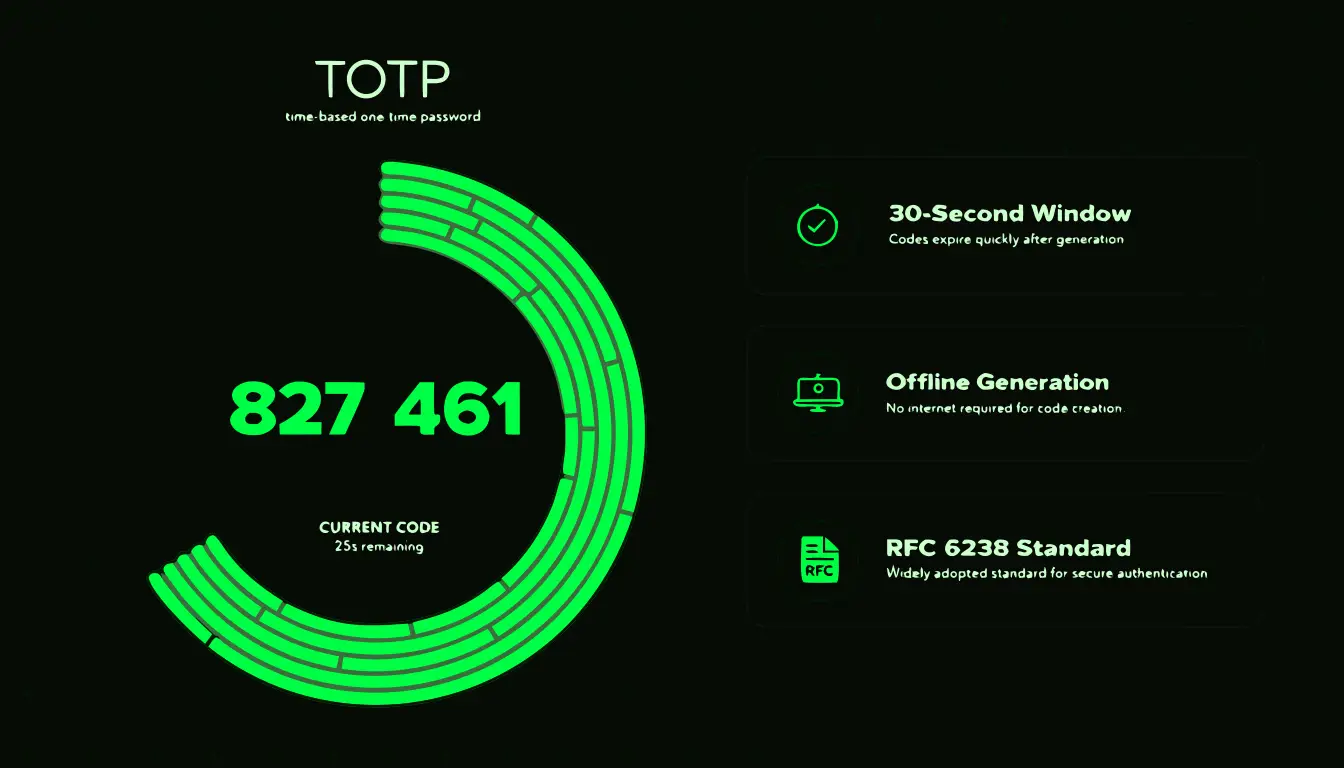
The Standard Behind Every 6-Digit Code
Every time you open an authenticator app and see a 6-digit number counting down, you're watching an implementation of RFC 6238, the Time-Based One-Time Password (TOTP) standard published by the Internet Engineering Task Force in 2011. It's open, meaning anyone can implement it, which is exactly why Google Authenticator, Authy, Microsoft Authenticator, Bitwarden, and hundreds of other apps are all fully interchangeable with any service that supports TOTP.
TOTP didn't appear out of nowhere. It's a direct extension of an earlier standard, HOTP (HMAC-based One-Time Password, RFC 4226), which generates one-time codes based on a counter that increments each time a code is requested rather than on the clock. TOTP simply swaps that counter for the current time, divided into fixed windows. That single change is what makes TOTP practical for everyday logins, and it's worth understanding exactly how.
A Worked Example: Generating One Real Code
Rather than describing the algorithm abstractly, here's the actual arithmetic, using a real Unix timestamp.
Say the current time is Unix timestamp 1735689600 (midnight UTC, January 1, 2026). TOTP's first step is converting that timestamp into a time step counter by dividing by the step size, 30 seconds:
1735689600 / 30 = 57856320
That integer, 57856320, is the "counter" value plugged into the HOTP algorithm underneath TOTP. From here:
- The counter (57856320) is converted into an 8-byte big-endian value.
- HMAC-SHA1 is computed using your account's shared secret as the key and that 8-byte counter as the message, producing a 20-byte hash.
- "Dynamic truncation" takes the last 4 bits of that hash as an offset, then reads 4 bytes starting at that offset out of the 20-byte hash.
- Those 4 bytes are converted to a number and reduced modulo 1,000,000, which is what forces the result down to exactly 6 digits.
The output might be, say, 482913. Your phone computes this. Independently, at the exact same moment, the server computes it too, using the same secret and the same counter. Neither side ever sends the secret or the code's derivation to the other; they just compare final 6-digit outputs. That's the entire trust model in one sentence: two parties who separately hold the same secret will always compute the same number at the same time step, and nobody else can.
Why 30 Seconds Specifically
Thirty seconds isn't arbitrary. It's a deliberate balance between two competing needs. Make the window too short, say 5 seconds, and ordinary clock drift between your phone and the server would cause valid codes to fail constantly, creating a miserable user experience. Make it too long, say 5 minutes, and a code intercepted by a shoulder-surfer or a compromised network has a much wider window in which to be reused before it expires.
Thirty seconds turned out, empirically, to be long enough that a person can reliably read and type a 6-digit code before it expires, while still being short enough that a leaked code is nearly useless within a minute. RFC 6238 does allow other step sizes, and a handful of services configure 60-second windows, but 30 seconds is what the overwhelming majority of implementations, and every mainstream authenticator app, use by default.
Clock Drift: How Servers Tolerate an Imperfect Clock
TOTP's entire security model depends on both sides agreeing on the time, but no two clocks in the world are perfectly synchronized. Phone clocks drift by a few seconds a month even with network time enabled; server clocks drift too, just less visibly.
To handle this without constant login failures, nearly every TOTP server implementation checks not just the current 30-second window but also the window immediately before and immediately after it, a policy usually called a "window of tolerance" of plus or minus one step. That gives roughly 90 seconds of effective leeway around the true time. If your codes start failing consistently, the fix is almost always the same: turn on automatic network time on your phone rather than manually setting the clock, since even a minute or two of drift beyond a server's tolerance will break every code.
TOTP's Relationship to HOTP
Both algorithms share the exact same HMAC-based core; the only structural difference is what gets fed in as the "counter": a clock reading for TOTP, an incrementing number for HOTP. That has real consequences for how each behaves.
| Property | TOTP | HOTP |
|---|---|---|
| What drives the counter | Current time, in 30-second steps | A number that increments by 1 each time a code is generated |
| Code validity window | Roughly 30 to 90 seconds | Valid until it's used, however long that takes |
| Requires synchronized clocks | Yes | No |
| Where you'll see it | Nearly every authenticator app today | Some older hardware tokens (e.g. early RSA/YubiKey OTP modes) |
HOTP's weakness is that a generated-but-unused code stays valid indefinitely, which is a bigger replay risk than TOTP's short-lived window. But HOTP has one advantage: it needs no clock at all, which is why it still shows up in offline hardware tokens where clock drift over years of battery life would otherwise be a real problem. For a full side-by-side, see TOTP vs HOTP: What's the Real Difference?.
The Secret Is What Matters, Not the QR Code
It's easy to think of the QR code as "the important part" of 2FA setup, since it's the visible, scannable object. In reality the QR code is just a convenient wrapper. It encodes a URI that looks like this:
otpauth://totp/2FAFast:alice@example.com?secret=JBSWY3DPEHPK3PXP&issuer=2FAFast&algorithm=SHA1&digits=6&period=30Everything your app actually needs is the secret parameter, a Base32-encoded string (using only A through Z and 2 through 7, chosen specifically to avoid visually ambiguous characters like 0, 1, O, and I). The QR code is disposable; the secret is forever, in the sense that it's what generates every single code for that account from now on. That's why losing the secret, not losing a specific QR image, is what actually locks you out, and why services show it to you as text during setup as a backup in case you can't scan a code.
You can generate a fresh, cryptographically random Base32 secret entirely in your browser with our free 2FA Secret Generator, and inspect exactly what's encoded inside any 2FA QR code with our QR Code Decoder. Want to see the algorithm run in real time against a secret you provide? Try our live TOTP generator.
Frequently Asked Questions
Is TOTP the same thing as Google Authenticator?
No. Google Authenticator is one app that implements the TOTP standard defined in RFC 6238. Any compliant app, Authy, Microsoft Authenticator, Bitwarden's built-in authenticator, and dozens more, produces identical codes given the same secret, because they're all running the same published algorithm.
What hashing algorithm does TOTP use under the hood?
HMAC-SHA1 by default, which remains secure in this specific context even though SHA1 is considered weak for other uses like certificate signing. Some services optionally support HMAC-SHA256 or HMAC-SHA512 for extra margin, but SHA1 is what almost every authenticator app and service defaults to, and it's specified in the setup URI.
Why 6 digits and not more?
Six digits is the RFC 6238 default and a practical balance: short enough to read and type quickly, long enough that guessing it within a 30-second window is computationally infeasible. A small number of services configure 8 digits for extra assurance, and both lengths are valid under the same standard.
Can a TOTP code be intercepted while it's being generated?
The code itself is generated entirely offline on your device, so there's nothing to intercept over a network at generation time. The realistic risk is a real-time phishing page that tricks you into typing the code into a fake site, which then relays it to the real one within seconds. Hardware security keys close this specific gap because they verify the destination domain cryptographically.
What's the actual time window during which a TOTP code works?
Thirty seconds is the code's own window, but most servers also accept the previous and next 30-second window to absorb clock drift, giving roughly 60 to 90 seconds of real-world tolerance. If your codes fail consistently, check that your phone's clock is set to automatic network time rather than a manual setting.