You Open a Private Window. The Site Still Knows You.
Picture this: you clear your cookies, open an incognito window, and load a shopping site you visited last week on your normal browser. Within seconds, the same brand of running shoes shows up in the "recommended for you" strip. No cookie survived the wipe. No account was logged into. So how did the site connect the two visits?
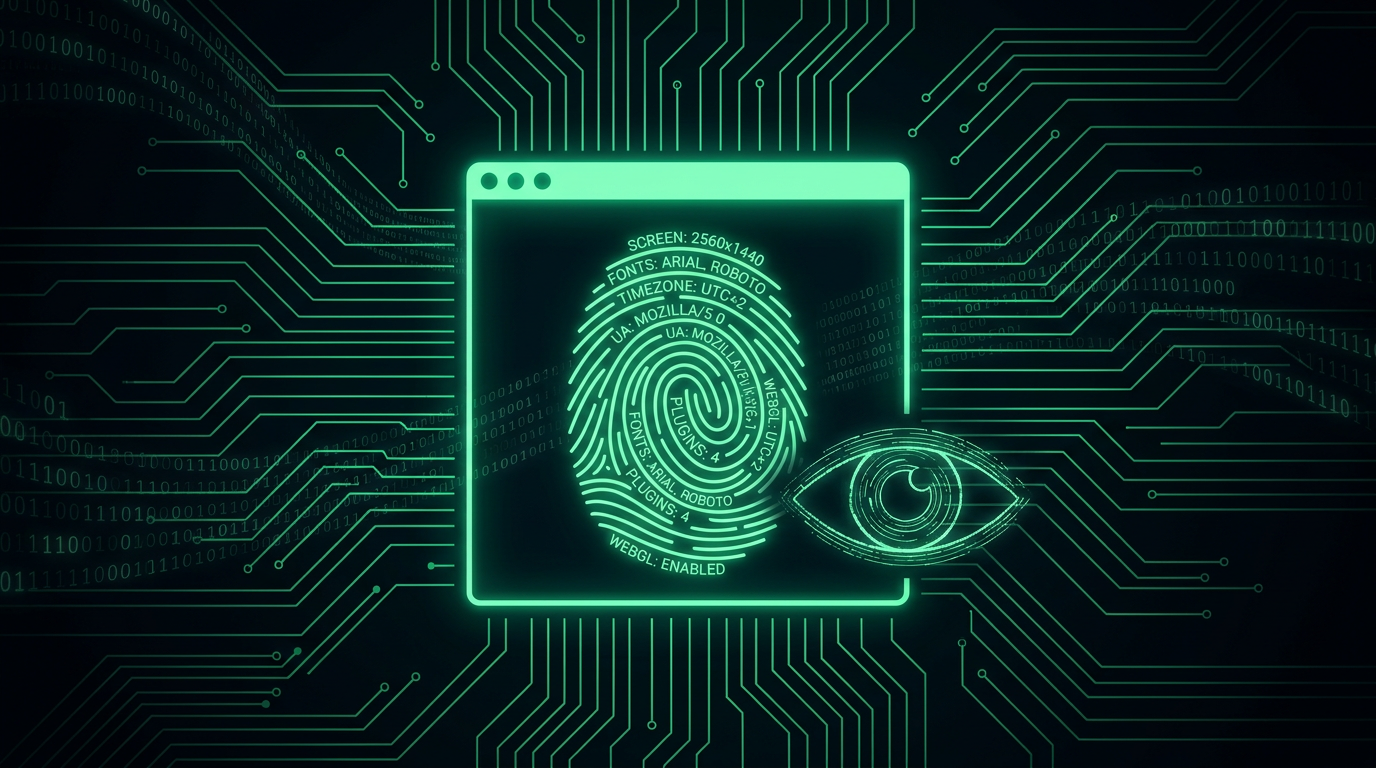
The answer is usually device fingerprinting, a tracking method that identifies your browser and device from the unique combination of their technical characteristics rather than from anything stored on your machine. Cookies are a note the site leaves in your browser. A fingerprint is a description the site writes down about you, built entirely from things your browser tells it every time it asks, whether you like it or not.
The Signals That Make Up a Fingerprint
No single signal below is unique on its own. Millions of people share the same screen resolution, or the same operating system, or the same time zone. The trick is that fingerprinting scripts collect dozens of these signals at once, and the combination narrows the crowd down fast, often to a group of one.
- Canvas fingerprinting. The page silently draws a hidden shape or line of text using the HTML canvas element, then reads back the resulting image as pixel data. Tiny differences in your graphics driver, font rendering engine, and anti-aliasing settings mean two devices almost never produce byte-for-byte identical output. That pixel data becomes a hash, and the hash becomes an identifier.
- WebGL rendering quirks. Same idea, one layer deeper. WebGL renders a 3D test scene using your actual graphics card and driver, and the way triangles are shaded and textures are filtered varies by GPU model, driver version, and even driver revision. Sites can also directly query your GPU vendor and renderer strings, which narrows things further on its own.
- Installed fonts. Scripts measure the pixel width of text rendered in dozens of font names. Fonts that exist on your system render at a different width than fallback fonts, so the script can infer your full font list without ever asking permission. Designers, developers, and people who install niche software tend to have unusually distinctive font lists.
- Screen resolution and color depth. Your exact screen size, available window size, pixel ratio, and color depth combine into another data point, especially useful for narrowing down laptop and monitor models.
- Time zone and language settings. Your system time zone offset, locale, and preferred languages array are all readable by JavaScript and rarely change.
- Audio context fingerprinting. The browser is asked to process a silent audio signal through its audio stack. The exact floating point output differs subtly by hardware, operating system audio drivers, and even CPU architecture, producing yet another stable hash with no user-facing sound at all.
- Browser plugins, MIME types, and hardware concurrency. Older tracking scripts enumerated installed plugins directly. Modern ones settle for CPU core count, device memory estimates, touch support, and battery status where still exposed.
Individually forgettable. Stacked together across twenty or thirty of these signals, research from browser privacy teams has repeatedly found that the resulting combination is unique or near-unique for a large majority of devices tested, cookies or no cookies.
Why Incognito Mode Doesn't Save You
This is the misconception that trips up almost everyone. Private browsing modes are designed to solve a narrow problem: don't save history, cookies, or form data to this computer after the window closes, useful if someone else uses your laptop later. They say nothing at all about what a remote website can observe about your hardware and browser configuration while the window is open.
Your canvas rendering quirks, your GPU, your installed fonts, and your screen resolution don't live in a cookie jar that incognito mode empties. They're properties of the physical device sitting in front of you, present the instant any tab loads, private window or not. A site that fingerprinted you in your normal browser last Tuesday can fingerprint the same device in an incognito tab today and land on a very similar, sometimes identical, result.
How This Differs From a Cookie, in Practice
The distinction matters because it changes what you can actually do about it. A cookie is a small file the browser stores and voluntarily hands back to the site that set it. You can view it, block it, or delete it, and once deleted, that identifier is gone for good until the site issues a new one.
A fingerprint isn't stored anywhere on your device at all. It's recalculated fresh, from scratch, every time a script runs the same battery of tests. There is nothing sitting in a folder to delete. To meaningfully change your fingerprint, you would need to change the underlying characteristics themselves, a different GPU, a different font set, a different screen. That's exactly why fingerprinting survives cookie deletion, private browsing, and even switching between a "clean" browser profile and your normal one, and why regulators increasingly treat it as functionally equivalent to cookie tracking even though nothing is technically stored locally.
Tracking Versus Fraud Detection: Same Tool, Opposite Intent
The reason fingerprinting exists at industrial scale isn't malice for its own sake, it's dual use, and the two uses pull in opposite directions for you as a user.
Advertising networks and data brokers use it to keep following you across sites after you've blocked their cookies, stitching your browsing history back together for ad targeting and resale. This is the use case privacy advocates and regulators worry about, and it's the one worth actively resisting.
Banks, email providers, and most services with a login use the identical technique defensively. When your bank sees a login attempt from a browser fingerprint that doesn't resemble your usual one, even with the correct password entered, it can trigger a step-up challenge: an extra code, an email alert, a temporary hold. This is a core piece of risk-based authentication and the broader zero trust model, and it's exactly how "we noticed a new sign-in" emails get generated. It's also how a stolen session cookie sometimes gets flagged the moment an attacker replays it from a device whose fingerprint looks nothing like yours.
The exact same eleven data points that let an ad network track you across the web also let your bank notice a stranger is trying to log in as you. Whether fingerprinting is friend or foe has nothing to do with the technique and everything to do with who is running it and why.
What Actually Reduces Your Fingerprint, and What Doesn't
Total invisibility isn't realistic for a normal, useful browser. Meaningful reduction is.
- Tor Browser takes the most aggressive approach: every Tor user is deliberately given an identical, standardized browser configuration, so canvas and WebGL results are normalized, fonts are limited to a fixed bundled set, and screen size is padded to common values. The goal isn't hiding your fingerprint, it's making everyone's fingerprint the same one, so blending in replaces evasion.
- Firefox's resistFingerprinting mode (also the backbone of "Strict" tracking protection settings) rounds off many of these same signals, spoofing a generic time zone, standardizing font metrics, and adding noise to canvas output.
- Brave randomizes canvas and audio output slightly per site, so the value is unstable rather than eliminated.
- Content blockers that block known tracking scripts prevent a large share of fingerprinting attempts from ever running, simply by never loading the code.
- Fewer extensions, default settings. Counterintuitively, a heavily customized browser with a dozen extensions and a nonstandard font set is more unique, not less. Blending in with the crowd works better than trying to hide.
The honest limit: these tools reduce your uniqueness, they don't guarantee anonymity, and the same measures that make you harder for an ad network to track can also make a legitimate security system trust you less, triggering more step-up prompts on your own accounts. There's a genuine, unavoidable tension between anti-tracking and frictionless login security. For your own bank or email account, you generally want that system fingerprinting you accurately, since it's what catches someone else pretending to be you.
Frequently Asked Questions
Can a website fingerprint me even if I have JavaScript disabled?
Most fingerprinting techniques, canvas, WebGL, audio context, and font detection, all require JavaScript to run the tests. Disabling JavaScript blocks the large majority of them, though a smaller set of passive signals, like your HTTP headers, user agent string, and IP address, still travel regardless. It's a meaningful reduction, not a complete shield.
Is device fingerprinting the same thing as browser fingerprinting?
Browser fingerprinting is the most common form, built from software and rendering signals. Device fingerprinting is the broader umbrella and can include hardware-level signals like battery behavior or sensor data on mobile devices. In everyday use the two terms are used almost interchangeably, and the countermeasures overlap heavily.
Will using a VPN stop fingerprinting?
No. A VPN changes your IP address and apparent location, which is a separate tracking signal, but it does nothing to your canvas output, installed fonts, or GPU rendering behavior. A fingerprinting script running through a VPN connection returns the exact same result as one running without it.
Should I worry about fingerprinting when I log into my own bank account?
Not really, and in fact the opposite: that's the fraud detection use case working as intended. Save your anti-fingerprinting effort for general browsing and advertising trackers, not for the handful of accounts where you actually want the site to notice if someone else is pretending to be you.
Can a fingerprint alone reveal my name or identity?
No. A fingerprint identifies a device and recognizes it on return visits, but it carries no name, email, or personal detail by itself. The privacy risk appears when a fingerprint gets linked to an account you logged into once, after which every future anonymous-looking visit from that device can be tied back to the identity you provided that one time.
