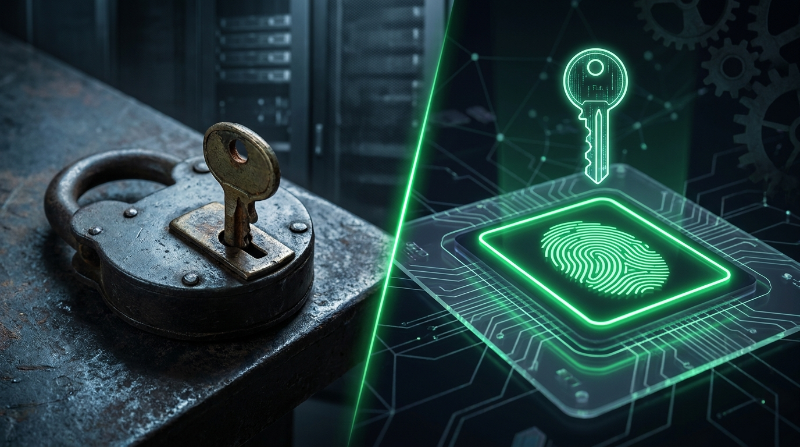
Passkeys vs Passwords: The Full Comparison

The tech industry is in the middle of a major authentication shift. Passkeys have moved from a niche standard to mainstream support from Apple, Google, and Microsoft. But are they actually better than passwords? And should you switch right now?
Here's an honest breakdown across every dimension that matters.
Security: Passkeys Win Clearly
Against Phishing
Passwords: Completely phishable. A convincing fake login page can capture your password and use it instantly. Even experienced users get phished.
Passkeys: Phishing-proof by design. The private key signs a challenge that includes the website's exact domain. A fake phishing site (paypa1.com) gets a signature that doesn't work on the real site (paypal.com). There's nothing for the attacker to capture.
Against Database Breaches
Passwords: If a site stores passwords poorly (plain text or weak hashing), a breach exposes your password. Even well-hashed passwords can be cracked offline with enough computing power.
Passkeys: Sites only store your public key mathematically useless without the corresponding private key on your device. A breach of the site's database reveals nothing that an attacker can use.
Against Brute Force
Passwords: Vulnerable to brute force, especially if you use a short or predictable password. Even "strong" 12-character passwords can be cracked with modern hardware, given enough time.
Passkeys: Immune to brute force. The private key is a 256-bit or larger cryptographic key computationally impossible to guess with any known or anticipated hardware.
Against Credential Stuffing
Passwords: Reused passwords mean one breached site compromises many. Even unique passwords from a manager are at risk if the manager itself is compromised.
Passkeys: Each passkey is unique per site and never reused. There's no "stuffing" possible because there's no credential to stuff.
Convenience: Passkeys Win Too
| Task | Password | Passkey |
|---|---|---|
| Logging in | Type password (+ 2FA code) | Tap fingerprint or face |
| Creating account | Choose, type, confirm password | One button tap |
| Forgotten credentials | Password reset flow (minutes) | N/A nothing to forget |
| Switching devices | Sync via password manager | Auto-sync via OS/password manager |
| Sharing with family | Easy (share the password) | Not designed for sharing |
Recovery: Currently a Weakness of Passkeys
This is where passwords (with a good password manager) still have an edge.
Passwords: Predictable recovery "forgot password" email flow is universal and well-understood.
Passkeys: Recovery is more complex. If you lose access to the device ecosystem (lose all your Apple devices AND your iCloud account, for example), recovery depends on the website's backup authentication methods. Most sites still keep a password as a fallback during the transition period.
The FIDO Alliance is working on standardised passkey recovery flows. For now, the best practice is to register passkeys on multiple devices and keep a backup authentication method (like TOTP) active.
Privacy: Passkeys Are Better
Passkeys don't share anything trackable between websites; each passkey is entirely site-specific. There's no cross-site correlation possible from the credential itself.
Passwords, especially when reused, create correlation opportunities. And password reset flows (via email) can be used to track cross-site account linkages.
Adoption Reality in 2026
Passkeys are here, but not universal. The practical reality:
- Major platforms (Google, Apple, Microsoft, GitHub, PayPal) fully support passkeys
- Most small and medium websites still only support passwords
- Enterprise adoption is accelerating but uneven
- The full transition will take 5–10 years
In the meantime, the optimal strategy is: use passkeys where supported, and use strong passwords + TOTP 2FA everywhere else. Generate and manage TOTP codes with our free 2FA generator.
When to Use Each
| Situation | Best choice |
|---|---|
| Site supports passkeys | Use a passkey as primary |
| Site supports passwords + TOTP | Strong password + TOTP 2FA |
| Site supports passwords only | Strong, unique password from a manager |
| High-value account (banking, email) | Passkey if supported, or hardware key + TOTP |
Frequently Asked Questions
Can a passkey be stolen?
The private key never leaves your device's secure element (a tamper-resistant chip on modern phones and computers). It cannot be extracted even if someone has physical access to your device. Stealing a passkey would require stealing the device AND bypassing the biometric/PIN protection.
What happens to my passwords if I switch to passkeys?
Most sites will keep your password as a backup login method during the transition period. You don't need to delete your password when you add a passkey. Think of the passkey as a faster, more secure alternative login.
Are passkeys supported on older devices?
Passkeys require relatively modern devices: iOS 16+, Android 9+, Windows 10 with Windows Hello, or a compatible hardware security key. Older devices may not support them. Test your browser and device compatibility with our Passkey Tester.
Is a passkey the same as a hardware security key?
Related but different. Hardware keys (like YubiKey) implement the same FIDO2 standard and are one way to store passkeys. The term "passkey" usually refers to device-bound or synced passkeys stored in your phone, computer, or password manager rather than a separate hardware device.