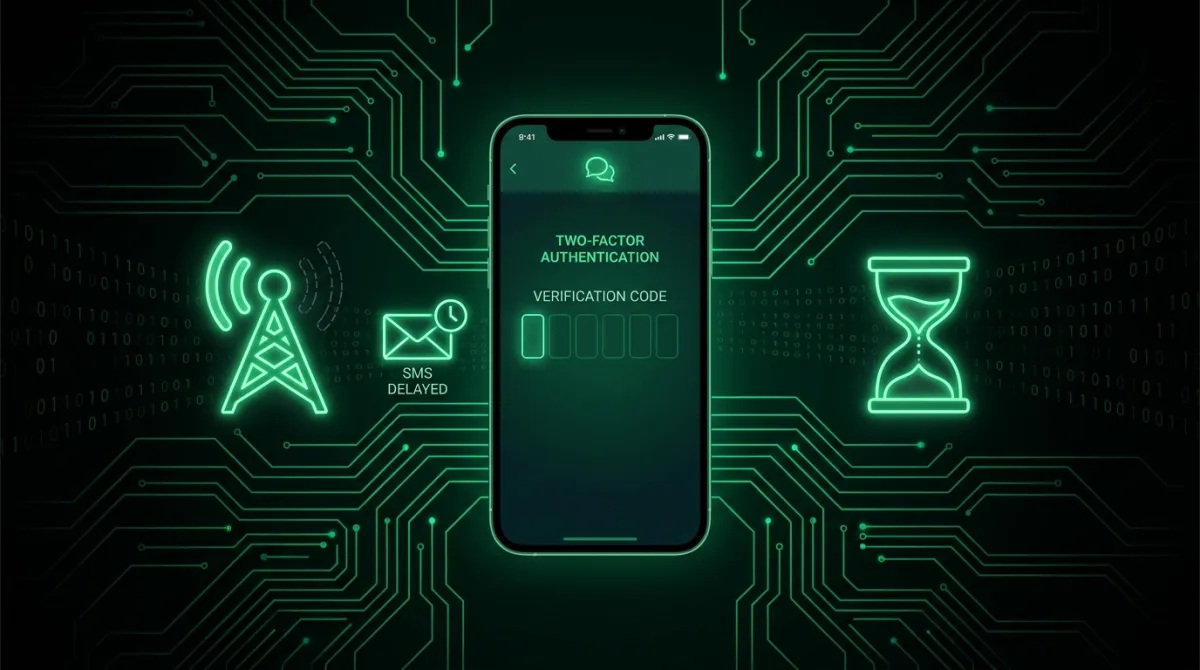
How WhatsApp Verification Works, and Why It Breaks
Registering WhatsApp on a device sends a six digit code by SMS to prove you control that phone number. No code, no registration. Because the code travels over the ordinary mobile network rather than any WhatsApp-specific channel, every ordinary SMS delivery problem, carrier filtering, regional congestion, roaming quirks, becomes a WhatsApp problem by extension. The troubleshooting order below runs from the fix that resolves the most cases first to the more specific ones further down, so work through it in sequence rather than jumping around.
Step 1: Confirm the Number Itself Is Right
Country code included, no leading zero after it for most countries, no digit transposed. The single most common cause of a "missing" code is that it arrived perfectly, just at a stranger's phone instead of yours. Re-check the number field character by character before assuming anything is broken on WhatsApp's end.
Step 2: Check Actual Signal, Not Just Bars
SMS needs real cellular signal; WiFi does not carry it at all, no matter how strong your WiFi connection is. One bar in a basement or a concrete building means the message is likely queued somewhere upstream, not lost. Move to an area with solid coverage and request again from there.
Step 3: Understand the Delivery Delay, and Why Regional SMS Varies
Delivery speed for verification SMS varies enormously by country and by carrier, since it depends on how that region's telecom infrastructure prioritizes automated shortcode traffic relative to normal person-to-person texts. In some regions codes land in seconds; in others, particularly where carriers apply spam filtering to bulk shortcode senders or where international SMS routes through multiple intermediary networks, two to five minutes of delay is completely normal even when nothing is actually wrong. WhatsApp shows a countdown timer before it allows a resend specifically because of this variance. Requesting again before that timer expires invalidates the code already in flight, which is the single most common self-inflicted loop in this entire troubleshooting process: people request three codes in ninety seconds, and only the very last one is ever valid, but by then the earlier ones have already muddied which message actually matters.
Step 4: Use the Voice Call Option
Once the timer allows it, choose "Call me instead" rather than requesting another SMS. An automated voice call reads the code aloud, and calls route through a completely different part of carrier infrastructure than SMS does, which means they frequently punch through exactly the filtering and congestion problems that are blocking the text message. This is the single highest value fix on this entire list, and it is worth using proactively the second SMS fails once rather than requesting SMS repeatedly first.
Step 5: Rule Out Local Blocking
Check your phone's blocked numbers list and SMS spam folder; Android's Messages app in particular filters shortcode senders aggressively by default. Also check for any third party SMS blocking or spam filtering apps installed on the device, which can silently drop verification texts before you ever see a notification.
Step 6: Dual SIM Devices Need a Specific Check
Confirm the code is actually being sent to the SIM that is physically in the phone and has active service, and that it is the correct SIM if you carry two. Registering number A while only SIM B currently has signal, or while SIM A is in a different device entirely, is a quiet, common mistake on dual SIM phones and looks identical to a delivery failure.
Step 7: Carrier Level Blocks and Roaming
Some prepaid plans and carriers block international or shortcode SMS by default as a spam-prevention measure, which also blocks legitimate verification codes. One call to your carrier asking them to enable receiving verification SMS resolves this permanently. Roaming internationally can also delay shortcode delivery significantly depending on the roaming agreement between carriers; the voice call option in step 4 usually still works even when roaming SMS does not.
Step 8: The Restart Trick, and Landline or VoIP Numbers
Ten seconds in airplane mode, then back off, forces your phone to re-register with the cell tower and genuinely resolves stuck SMS queues on the device side. Separately, if you are trying to register a landline or certain VoIP numbers, understand that SMS never arrives at those at all; the voice call option exists specifically for this case, though many VoIP numbers are blocked from WhatsApp registration entirely regardless of delivery method.
Understanding WhatsApp's Rate Limiting
WhatsApp imposes escalating rate limits on repeated code requests specifically to prevent SMS bombing and abuse of its verification system. The first few requests come with short waits; after that, the required wait between requests escalates from minutes into hours, shown as a countdown with no way to skip it. These limits are fixed timers tied to the phone number and cannot be cleared by switching WiFi networks, reinstalling the app, or contacting support. This is precisely why patience on your very first request matters so much: hammering resend early in the process is what triggers the long waits later, turning what should have been a two minute delay into an hours-long lockout.
If You Are Migrating From a Previous Number
Transferring an existing WhatsApp account to a new number is a separate flow from fresh verification, found under Settings, then Account, then Change Number, and it requires access to the old account to complete properly. If you no longer have access to the old number or account at all, verification on the new number proceeds as a completely fresh registration instead, and any group memberships or chat history tied to the old number do not transfer automatically. Blocking a previous number's SIM before completing a transfer, a common mistake when switching carriers mid-move, can also interrupt an in-progress code delivery meant for that old number if the transfer flow is still expecting it.
Received a WhatsApp code you never requested? Someone is attempting to register your number on their own device. Do not share that code with anyone under any circumstances or story, including someone claiming to be a friend or WhatsApp support. This is the opening move of the account theft described in our WhatsApp two-step verification guide: the code plus a bit of social engineering is all a thief needs.
The Two-Step PIN Screen Is a Different Problem
If the SMS code worked but WhatsApp then demands a PIN, that is two-step verification, a separate PIN set previously by whoever controls the account. A forgotten PIN with a recovery email registered can be reset through that email link. Without a recovery email on file, WhatsApp enforces a mandatory 7 day wait before the PIN can be bypassed at all, a deliberate anti-theft delay: even a thief holding your valid SMS code cannot take over the account instantly, which gives the real owner a window to notice and re-register first. Set a recovery email today, covered in our two-step guide above, so a forgotten PIN never turns into a week-long lockout later.
After Verification Succeeds: Two Minutes of Hardening
- Enable two-step verification under Settings, then Account: the PIN that makes an intercepted SMS code worthless on its own.
- Add a recovery email immediately so a forgotten PIN never means the 7 day wait described above.
- Check Linked Devices under Settings and remove anything unfamiliar.
- Set a carrier PIN with your mobile provider, since your WhatsApp security is only as strong as your phone number; SIM swap protection is WhatsApp protection by extension.
Frequently Asked Questions
How many code requests before I get locked out entirely?
WhatsApp escalates aggressively: a handful of rapid requests trigger waits that grow from minutes into hours, shown directly in the app as "try again in X." The timers are fixed and nothing accelerates them, which is why patience on the first request matters more than any workaround.
Can the code be sent to a different number or by email instead?
No. Verification exists specifically to prove control of that exact number, so there is no email alternative for initial registration. If you have lost access to the number entirely, register with your new number as a fresh account, or use Change Number if you still control the old account.
WhatsApp says my number was recently registered elsewhere. What does that mean?
Either you re-registered on a new device yourself, which is normal and simply kicks the old device off, or someone else attempted to register your number, which is a theft attempt. Re-register immediately with a fresh SMS code to reclaim it. If a two-step PIN you never set is blocking you, email support@whatsapp.com to have the number deactivated, and read the hijack section of our two-step guide.
Does WhatsApp Business verification behave any differently?
Same SMS and call mechanics, same fixes throughout. One physical number can even hold a personal account and a Business account simultaneously on a dual SIM device using two separate numbers.
The voice call button is greyed out. Why can't I use it immediately?
It unlocks only after the SMS countdown timer expires, by design, so wait out that timer first. It exists precisely as the fallback for SMS that will not arrive, so once it activates, prefer it over requesting SMS again.