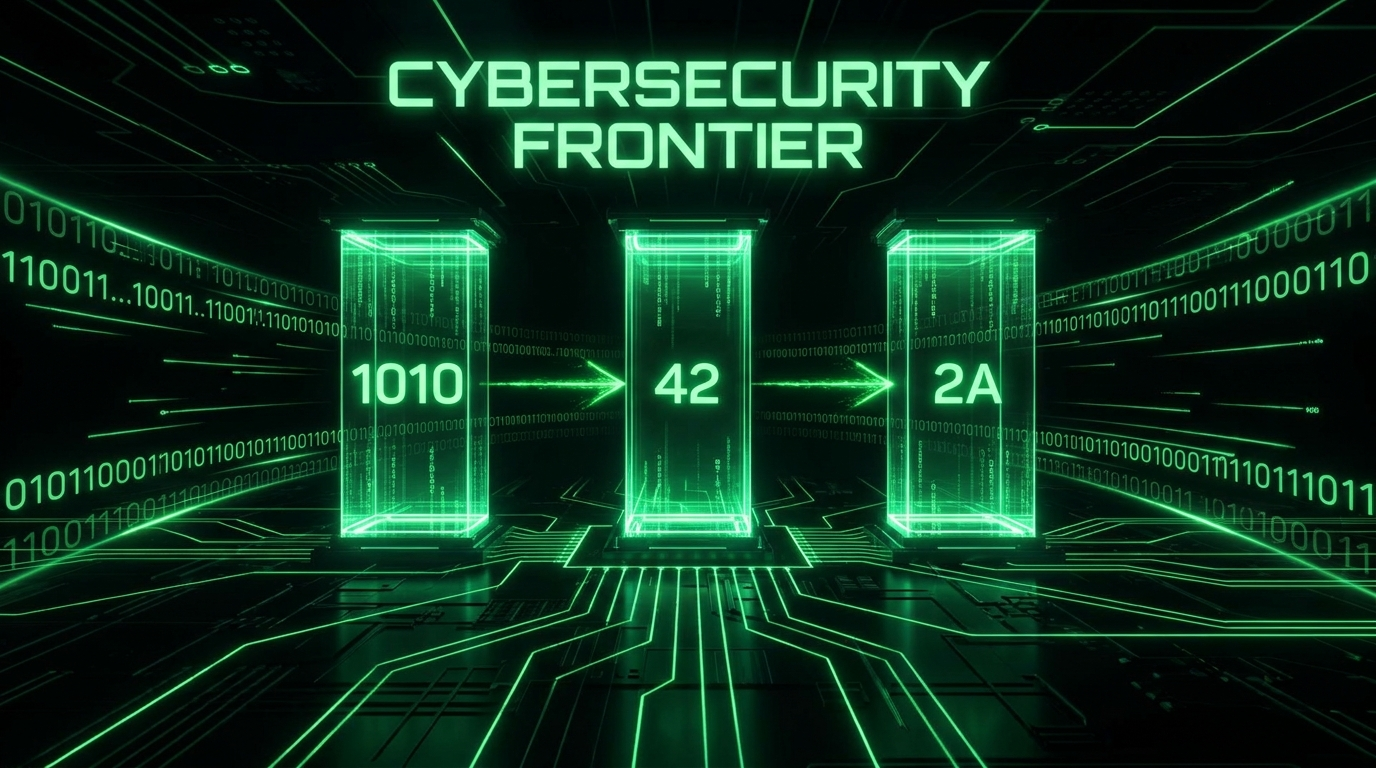
Same Numbers, Different Costumes
Here is the same quantity written three ways: 42 in decimal, 101010 in binary, 2A in hexadecimal. Nothing about the amount changed, only the notation. A number system (a base) is just an agreement about how many symbols you use before carrying to the next column. Humans standardised on ten symbols (blame fingers). Computers and programmers made other choices, for excellent reasons.
Decimal: Base 10, the One You Know
Ten symbols (0 to 9), and each column is worth ten times the one to its right. The number 347 unpacks as:
3x100 + 4x10 + 7x1 = 347
(hundreds) (tens) (ones)
Obvious to us, but only because we practised it since childhood. Every base works exactly this way, just with a different multiplier.
Binary: Base 2, the One Computers Are Made Of
Two symbols (0 and 1), columns worth double each step: 1, 2, 4, 8, 16, 32.
101010 = 1x32 + 0x16 + 1x8 + 0x4 + 1x2 + 0x1 = 42Why computers insist on it: physical reality. A transistor is on or off, a voltage is high or low, a magnetic spot points one way or the other. Two reliably distinguishable states means two symbols, and all of computing (numbers, text, images, this article) is built from those bits, grouped into bytes of 8 bits (256 possible values, 0 to 255).
Hexadecimal: Base 16, the Programmer's Shorthand
Binary is honest but exhausting: 11010110111101011001010110101010 is 32 bits of pure eye strain. Hexadecimal fixes this with sixteen symbols: 0 to 9, then A to F standing for 10 to 15.
The magic that makes hex THE binary shorthand: 16 = 2 to the 4th power, so one hex digit is exactly four bits. Conversion is pure pattern substitution, no arithmetic:
binary  1101 0110 1111 0101
hex        D    6    F    5     = 0xD6F5

Cheat table:
0000=0  0001=1  0010=2  0011=3
0100=4  0101=5  0110=6  0111=7
1000=8  1001=9  1010=A  1011=B
1100=C  1101=D  1110=E  1111=F
Two hex digits = one byte, always. That clean fit is why memory dumps, color codes, and hashes are written in hex, and why decimal (whose 10 doesn't divide into powers of 2) never took the job. The 0x prefix is just a costume tag meaning "hex follows". Convert anything instantly with our free hex converter.
Where You Meet Each One
- Hex colors: #FF6B35 is three bytes: red FF (255), green 6B (107), blue 35 (53).
- Hashes: A SHA-256 output is 32 bytes, written as 64 hex characters. Generate some with our hash generator and count them: the mechanics are in our hashing guide.
- MAC and IPv6 addresses: a4:5e:60:e2:5b:11 and 2001:db8::1: networking lives in hex.
- URL percent-encoding: %20 is a space: hex 20 = 32, the space character's byte value. Full story in our URL encoding guide.
- Error codes and memory addresses: That 0x80070005 in a Windows error is hex talking to you.
- Binary in disguise: file permissions (chmod 755 is octal, binary's other shorthand), subnet masks, and every raw bytes view in a debugger.
- Character encoding: the letter A is decimal 65, binary 01000001, hex 0x41. Emoji and international characters get multi-byte hex sequences under UTF-8, which is why "broken encoding" bugs show up in developer tools as strings of stray hex-looking characters.
The Quick Mental Math Trick
Most people try to convert binary to hex by converting to decimal first, then decimal to hex, which is two slow steps for no reason. The direct trick skips decimal entirely: split the binary into groups of four bits starting from the right, then read each group of four as its own tiny binary number from 0 to 15 and translate straight to a hex digit using the cheat table above. No multiplication, no division, just grouping and memorized lookups.
Take the byte 10110110. Group it into two nibbles: 1011 and 0110. The first nibble, 1011, is 8+0+2+1 = 11, which is hex B. The second nibble, 0110, is 0+4+2+0 = 6, which is hex 6. Read them left to right: 0xB6. That's the entire conversion, done in your head in about five seconds once the four-bit groupings become automatic, and it's exactly what happens instantly, at scale, inside every debugger and memory viewer you'll ever use.
The reverse trick works the same way: given 0x9F, split into 9 and F. Look up 9 in the table (1001) and F (1111), and the byte is 10011111. Two lookups, no arithmetic, done.
Converting by Hand (Party Tricks Included)
Decimal to Binary: Halve and Track Remainders
42 / 2 = 21 r 0
21 / 2 = 10 r 1
10 / 2 =  5 r 0
 5 / 2 =  2 r 1
 2 / 2 =  1 r 0
 1 / 2 =  0 r 1
Read remainders bottom-up: 101010
Binary to Decimal: Add the Powers
Write 128, 64, 32, 16, 8, 4, 2, 1 over the bits; add where there's a 1.
Hex to Decimal
0x2A = 2x16 + 10x1 = 42
0xFF = 15x16 + 15 = 255 (the biggest byte)
And binary to hex needs no math at all: substitute nibbles from the cheat table above. For anything bigger, our converter tool does text, hex, binary, and decimal in every direction.
Once hex clicks, a wall of bytes stops being noise. FF reads as "maxed out byte", 00 as "empty", 7F as "127, the top of ASCII". It's literacy, not math.
Frequently Asked Questions
Why 16 and not some other base for programmers?
Because 16 is a power of 2, hex digits align perfectly with 4 bit groups, and two digits equal exactly one byte. Octal (base 8, 3 bits per digit) had the job in early computing and survives in Unix permissions, but bytes being 8 bits made hex's 4+4 split the natural winner.
Is 0x2A a different number than 42?
Same number, different notation: 0x2A = 42 = 101010 in binary. The prefix (0x for hex, 0b for binary in many languages) only tells the reader which costume the number is wearing.
Why do file sizes sometimes use 1024 instead of 1000?
Binary strikes again: 2 to the 10th power = 1024 is the power of two nearest 1000, so computing adopted it for kilobytes historically (now formally called KiB). Disk marketers use decimal 1000s, which is why your "1 TB" drive shows as 931 "GB": both are right in their own base.
What's the biggest number a byte can hold, and why do I care?
255 (0xFF, 11111111). It's why RGB color channels stop at 255, why old game counters overflowed at 255, and why IPv4 addresses have no octet above 255. The pattern repeats at every power: 65,535 for two bytes, and so on.
Are hex values ever case sensitive?
No: 0x2a and 0x2A are identical, and conventions vary (CSS colors often lowercase, Windows errors uppercase). The only place letter case matters is when hex appears inside a case-sensitive string, like a URL path or a Base64 blob, which is a different encoding entirely: see our Base64 guide for that cousin.
Is there a faster shortcut than converting through decimal every time?
Yes, and it's the nibble-grouping trick described above: any binary string can be read directly as hex four bits at a time, with no decimal step in between at all. It only works cleanly for binary-to-hex and hex-to-binary, because both bases are powers of two. Decimal doesn't get the same shortcut, since 10 isn't a power of 2, which is exactly why programmers reach for hex constantly and decimal rarely, once they're working with raw bytes.
