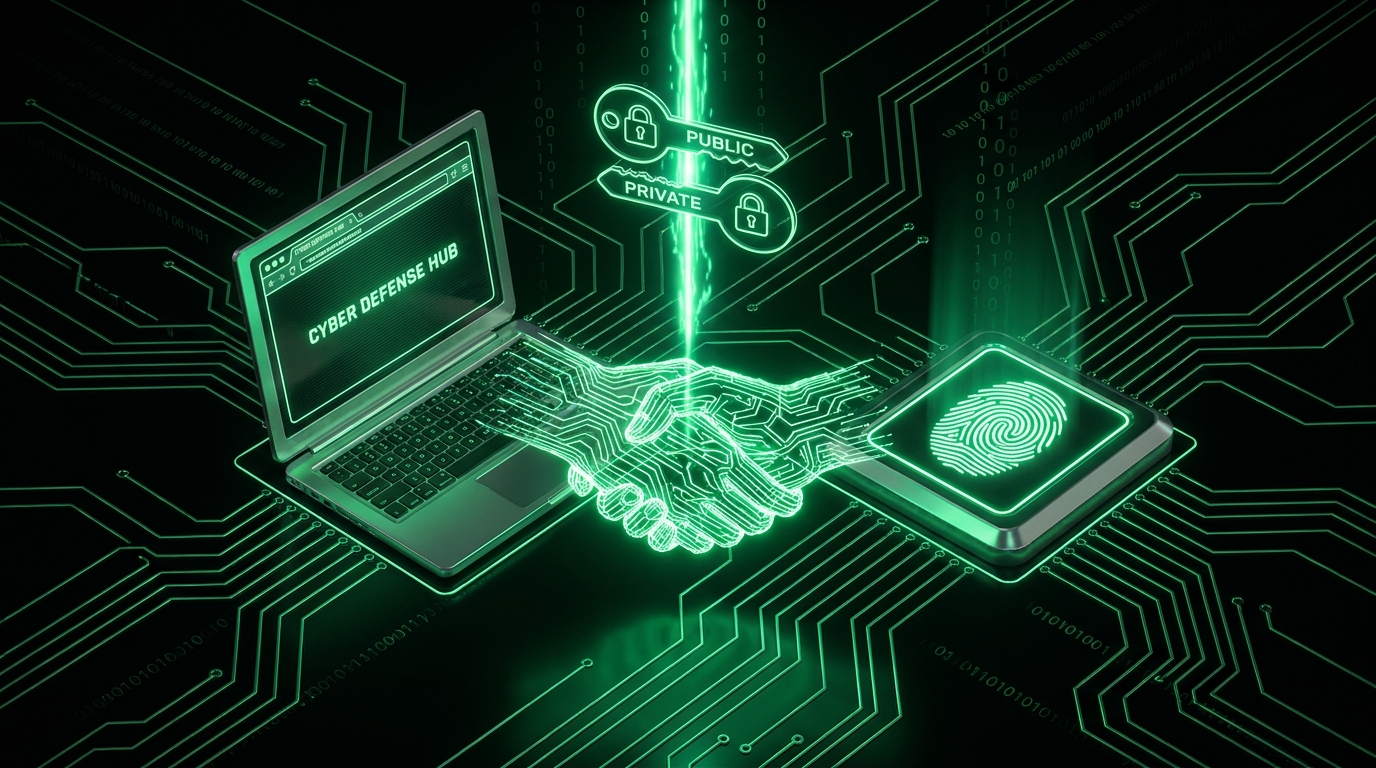
The Alphabet Soup, Sorted
The passwordless world drowns in acronyms, so let's fix the map first:
- FIDO2: The umbrella project (by the FIDO Alliance and W3C) covering modern passwordless authentication. It has two parts:
- WebAuthn: The browser API. It is how a website asks your browser to create or use credentials. A W3C web standard, built into Chrome, Safari, Firefox, and Edge.
- CTAP: The protocol between the browser and an external authenticator, like a USB security key or your phone acting over Bluetooth.
- Passkeys: The consumer brand name for FIDO2 credentials that sync across your devices (via iCloud Keychain, Google Password Manager, or a password manager).
In one sentence: WebAuthn is the interface, CTAP connects the hardware, FIDO2 is the whole package, and passkeys are its friendly face for everyday consumers.
How the Cryptography Works
FIDO2 replaces shared secrets (passwords, codes) with public key cryptography, the same family of math behind HTTPS itself. Every credential is a mathematically linked pair: a private key and a public key. Signing something with the private key produces a signature that anyone holding the public key can verify, but nobody without the private key can forge. That single property is the entire foundation.
Registration
- You click "add passkey" or "register security key" on a site.
- Your authenticator (phone, laptop, or hardware key) generates a brand new key pair just for this site, unrelated to any key pair used elsewhere.
- The private key stays in your device's secure hardware, permanently. It never leaves, never gets exported, and is not readable even by the operating system.
- The public key goes to the site's server, stored next to your account alongside a credential ID used to look it up later.
Login (the "ceremony," in spec terminology)
- The site sends a random challenge, a string of bytes that will never be reused.
- Your authenticator asks for consent: fingerprint, face, PIN, or a physical touch on a hardware key. This step is called "user verification."
- It signs the challenge, combined with information about the requesting website's origin, using the private key.
- The server verifies the signature with your stored public key. A valid signature over the correct challenge and origin means you hold the private key: authenticated. An invalid signature, a reused challenge, or a mismatched origin, and the login fails.
Notice what never travelled: no password, no code, no reusable secret of any kind. The server holds only a public key, which is harmless in a breach: it can verify signatures, but it can never be used to create a new one. A database of every public key on earth gives an attacker nothing usable.
The Killer Feature: Origin Binding
Here's the property that makes security people evangelical. Every credential is bound to the exact domain it was created on, and the browser, not the user, enforces it. When g00gle-login.com asks your authenticator to sign in, the browser looks for credentials belonging to g00gle-login.com, finds none (yours belong to google.com), and the phishing page hits a dead end before a single prompt ever appears. Not "the user spotted the fake": the protocol itself makes the fake unusable, regardless of how convincing the copied page looks.
This closes the hole that survives every code based method: real-time relay phishing captures SMS and TOTP codes within their validity window and replays them against the real site within seconds (see our phishing guide). With FIDO2 there is no code to capture in the first place, and the signature a phishing site could request would be cryptographically bound to the wrong origin anyway, making it useless even if somehow obtained.
Passwords made users responsible for spotting fakes. FIDO2 makes the browser and the math responsible. That reassignment of duty is the actual revolution, not the disappearance of the password field itself.
A Concrete Walkthrough: Signing In With a Passkey
Step by step, what you actually see and what happens underneath, using a typical laptop with Face ID or Windows Hello:
- You visit a site and tap "Sign in with a passkey." The browser calls
navigator.credentials.get()behind the scenes. - A system prompt appears, listing the account name tied to a stored credential for this exact domain.
- You confirm with your face, fingerprint, or device PIN. This unlocks the private key locally; nothing biometric is transmitted anywhere.
- Your device signs the server's challenge and sends back the signature, the credential ID, and some metadata about the authentication.
- The server checks the signature against its stored public key and logs you in, typically in under two seconds end to end.
Compare that to a password plus SMS code flow: type a password, wait for a text message, switch apps, copy six digits, switch back, type them before they expire. The passkey version is both faster and, because of origin binding, categorically safer.
Passkeys vs Security Keys: Two Bodies, One Soul
| Aspect | Passkeys (synced) | Hardware keys (device-bound) |
|---|---|---|
| Private key lives in | Phone/laptop secure hardware, synced via cloud keychain | A dedicated chip on the key, never copied |
| Lost device | Restore via keychain sync on a new device | Use your registered backup key |
| Trust anchor | Your Apple/Google/manager account | Physical possession |
| Best for | Everyone, everyday accounts | Highest value accounts, admins, targeted users |
Deeper dives: our passkey explainer and hardware key guide. Test what your current device supports with our free passkey tester: it exercises the real WebAuthn API in your browser and reports back exactly what your hardware and browser combination allows.
For Developers: The Shape of an Implementation
WebAuthn is two browser calls plus server side verification:
// Registration
const credential = await navigator.credentials.create({
  publicKey: {
    challenge: serverChallenge,        // random bytes from your server
    rp: { name: "Your App", id: "yourapp.com" },
    user: { id: userId, name: email, displayName: name },
    pubKeyCredParams: [{ type: "public-key", alg: -7 }] // ES256
  }
});

// Login
const assertion = await navigator.credentials.get({
  publicKey: { challenge: serverChallenge, rpId: "yourapp.com" }
});
Practical notes from the field:
- Use a maintained server library (SimpleWebAuthn for Node, webauthn libraries for PHP, Python, Go). Signature verification, attestation parsing, and counter checks are solved problems: do not hand roll them.
- Challenges must be random, single use, and verified server side. Same discipline as any nonce; reusing a challenge reopens replay attacks the whole standard exists to close.
- Keep a fallback: ship passkeys alongside existing password plus TOTP login, not instead of it, until your users have migrated. Our developer 2FA guide covers the TOTP side of that stack.
- rpId scoping: credentials registered on
yourapp.comwork on subdomains, but not the reverse. Plan your domain strategy before launch, since it cannot be changed retroactively without re-registering every user. - Attestation is usually optional: most consumer apps do not need to verify exactly which authenticator model was used, only that a valid FIDO2 ceremony completed. Save attestation checking for high assurance enterprise cases.
Frequently Asked Questions
Is my fingerprint sent to the website?
Never. Biometrics only unlock the private key locally, on your device. The site receives a cryptographic signature, learning nothing about your fingerprint, face, or PIN. Biometric data never leaves the secure hardware it was enrolled into.
What does the server store, and what leaks in a breach?
Only your public key and a credential ID. Breached, these let an attacker verify your signatures, which helps them not at all: they cannot authenticate as you without the private key, which was never in the database. Compare that to breached password hashes, which fuel credential stuffing for years after a single leak.
Is FIDO2 the same as 2FA?
It can be either factor or both. A passkey unlocked by your fingerprint is inherently multi-factor in one gesture: possession of the device plus your biometric. Sites can also use a security key as a second factor after a password. Taxonomy in our 2FA vs MFA post.
What happens when WebAuthn support is missing?
All modern browsers and both mobile platforms support it. Legacy browsers fail gracefully: navigator.credentials is simply absent, and sites fall back to their password flow. Check your own browser and device with our tester.
Can FIDO2 credentials be phished at all?
The credential itself, no: origin binding is enforced by the browser, not user vigilance. Residual risks live at the edges: account recovery flows that fall back to weaker methods, and consent fatigue on malicious prompts asking you to approve something you did not initiate. Sites that let you disable weak fallbacks, or go fully passwordless, close those edges entirely.
Why does the same credential not work if I clone a site's design onto a different domain?
Because the credential ID and the origin check are tied together at the protocol level, not at the visual level. The browser never asks "does this page look right"; it asks "does this exact domain string match the one stored at registration." A pixel perfect clone on a different domain fails that check every time, which is precisely why origin binding is considered stronger than any human review process.
